If you’ve spent more than five minutes in any UGC creator community, you’ve seen the debate. Someone asks whether they need to invest in a mirrorless camera before they can start landing brand deals. Half the thread says yes. The other half says their iPhone is doing just fine.
The truth is, the gear debate is mostly a distraction. Brands don’t hire you because of your camera. They hire you because of what you can do with it. Here’s how to actually think about this decision.
1. What Brands Actually Care About
Before worrying about sensor size or frame rates, understand what brands are actually buying when they commission a UGC video. They want content that feels native to social feeds, content that doesn’t immediately read as an ad. As the team at The Brief AI put it, the highest-performing UGC ads often look like they were filmed by someone on their phone in their living room, because that’s exactly what stops the scroll.
What brands consistently prioritise when reviewing creator content:
- Clear, audible audio — bad sound kills a video faster than anything else
- Good natural lighting — a window beats a ring light in most cases
- Stable framing — not necessarily a tripod, but intentional composition
- On-brief delivery — following the brief matters more than technical polish
- Authentic energy — you feeling comfortable on camera, not performed
Notice that “camera model” isn’t on that list.
2. Where Your Phone Wins
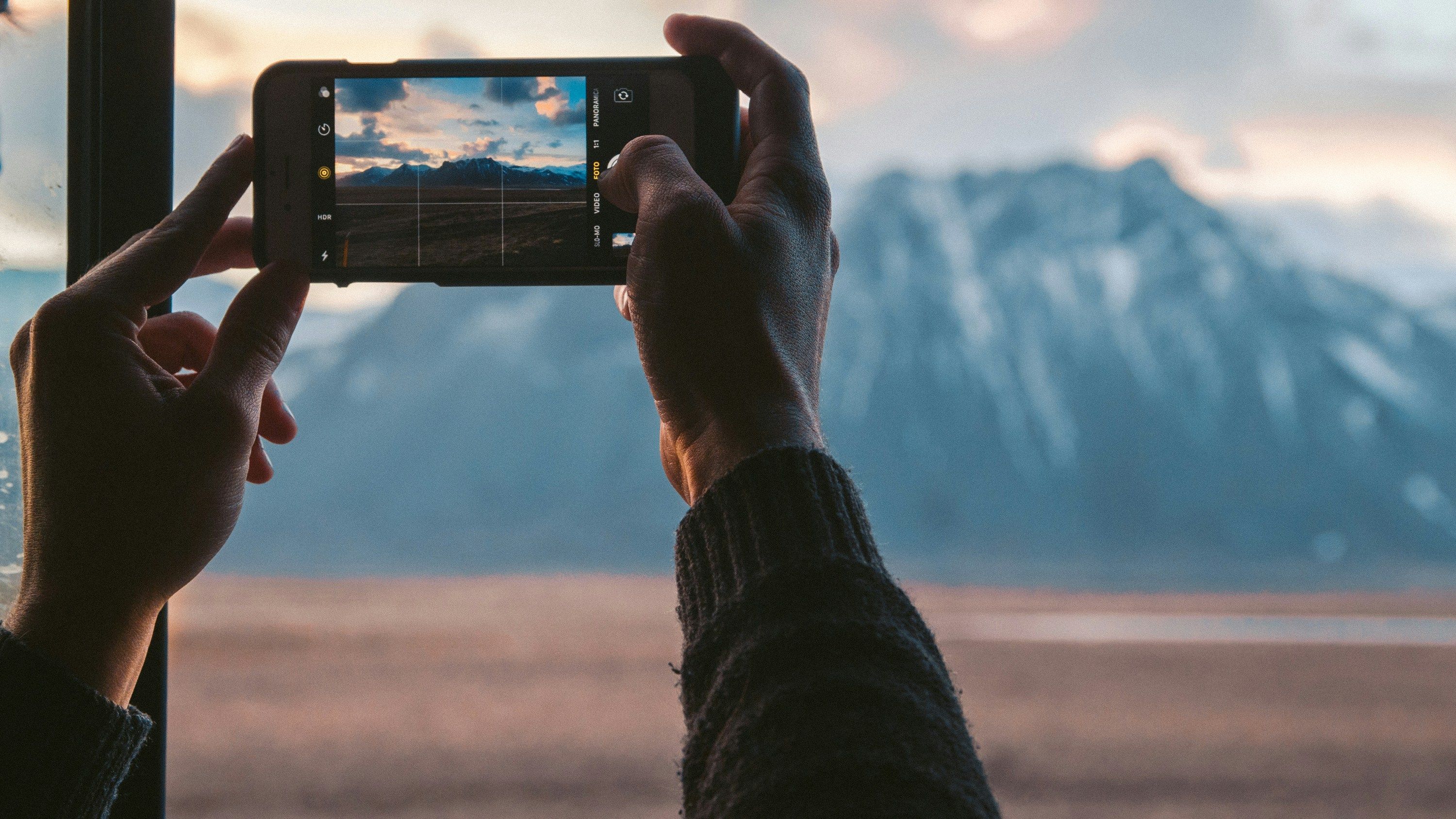
For most UGC briefs, a modern smartphone is not just good enough, it’s often the better tool. Here’s why:
It looks native. Brands want content that blends into someone’s feed. A phone-shot video naturally has the visual texture that audiences trust. The slight imperfections, the handheld movement, the real-space environment, are features, not bugs.
It’s already vertical. The overwhelming majority of UGC briefs ask for 9:16 content for Reels, TikTok, and Stories. Phones shoot in this format natively. Cameras don’t, and adapting horizontal footage to vertical is never ideal.
It’s fast. You can set up, film, and review footage in minutes. There’s no gear to configure, no memory cards to transfer, no external app needed to pull footage. Speed matters when brands want turnarounds in under 10 days.
It’s what most creators use. If you look through the content gallery on Clip, the vast majority of top-performing videos were shot on smartphones. The camera didn’t make those creators successful — their delivery, framing, and brief execution did.
3. Where a Camera Has an Edge
That said, there are situations where a dedicated camera genuinely helps, and being honest about them matters.
Low-light filming. If you’re filming in dim environments or at night, a camera with a larger sensor will produce cleaner footage. Most phones struggle in low light despite improvements in recent generations.
Depth of field. That blurred background look, bokeh, is much easier and more natural on a dedicated camera. Portrait mode on phones has improved, but it’s still processing-based and can look artificial on moving subjects.
When the brief specifically asks for it. Some brands, particularly in fashion, beauty, and lifestyle, do want a more elevated, editorial look. If the brief references “cinematic” or “high-end”, that’s a signal. But this is rarer than you’d think.
The key point: a camera gives you more capability in specific situations, it doesn’t automatically produce better UGC. Many creators with expensive cameras produce stiff, over-produced content that brands don’t want. And many creators with phones produce content that converts.
4. The Real Deciding Factor: Reading the Brief
The best tool is the one that matches what the brand is asking for. That’s why learning to read and execute a brief well is more valuable than any gear upgrade. Before you film anything, ask yourself:
- Is the brand asking for raw and authentic, or polished and elevated?
- What does their existing content look like? Match that energy.
- Are they a DTC brand running social ads, or a premium brand doing brand-building content?
- Do they reference any example videos in the brief? Study them.
If the brief is asking for something that looks like it could have been filmed by a friend sharing a recommendation, your phone is the right tool. If it’s asking for something that references lookbooks or campaign shoots, a camera might serve you better. When in doubt, your phone is the safer default.
5. Practical Tips for Both Setups
Regardless of what you’re filming with, the fundamentals are the same:
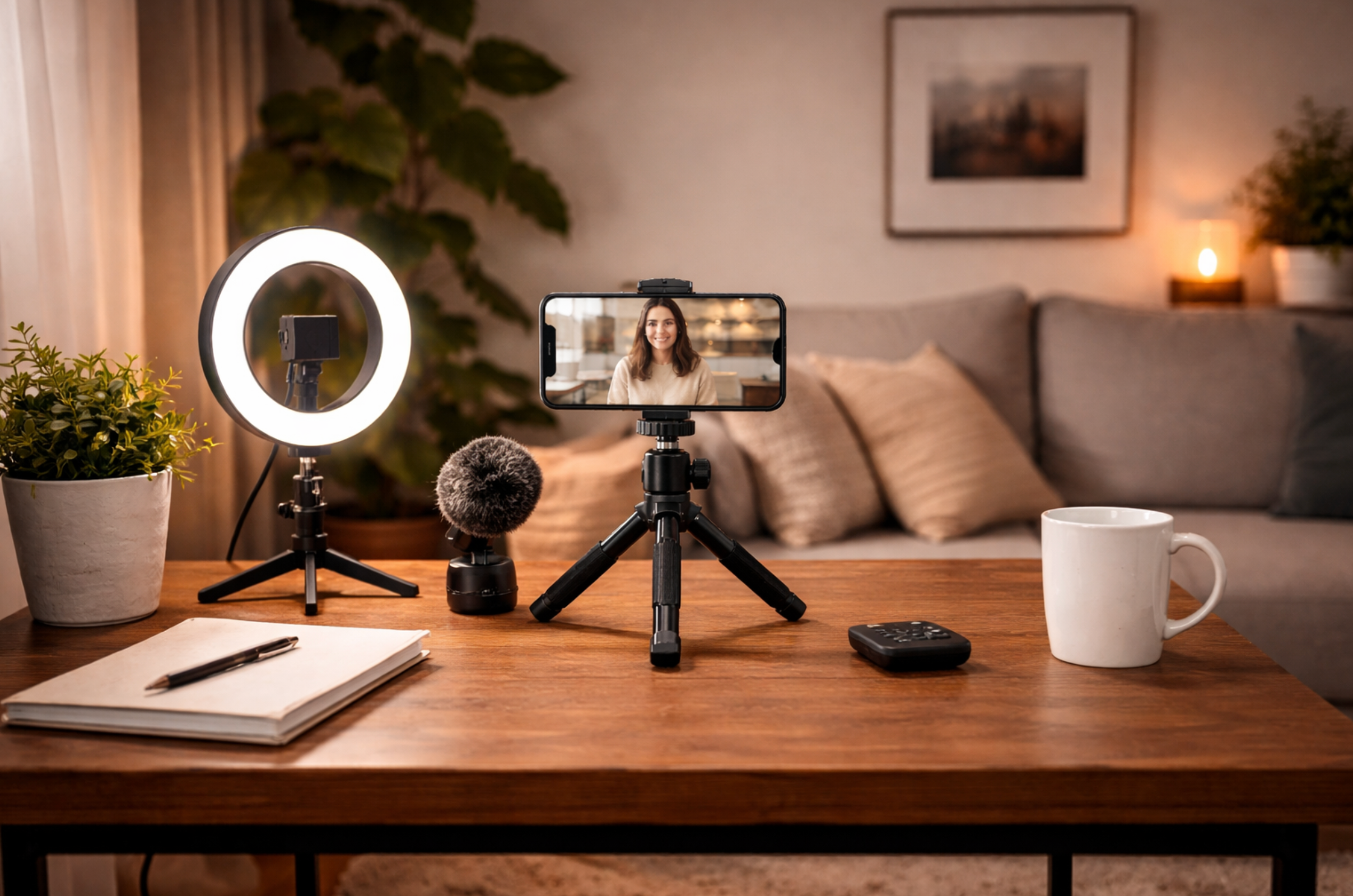
Audio first. A clip mic or a lav mic plugged into your phone costs £20–40 and will immediately make your content more professional than 90% of other creators. Bad audio is the fastest way to get a revision request.
Natural light is your best friend. Position yourself facing a window. Soft, diffused daylight is flattering and free. It works on a phone and a camera equally well.
Lock your exposure. On an iPhone, tap and hold the screen to lock focus and exposure before filming. On Android, use the manual controls in your camera app. On a dedicated camera, set your exposure manually. Auto-exposure hunting mid-shot is distracting.
Stabilise your shot. A £15 mini tripod or a simple grip makes an enormous difference. Handheld movement can feel authentic, but uncontrolled wobble reads as sloppy.
Film more than you need. Whether you’re on a phone or a camera, always film multiple takes and more B-roll than you think you’ll use. It gives you options in the edit and reduces the chance of needing a reshoot.
Start With What You Have
The creators who wait until they have the “right gear” before starting are usually the ones who never start. The creators who book consistent work are the ones who master the tools they already have, deliver on brief, and build a portfolio that speaks for itself. If you want to see what that looks like in practice, browse the creator showcases on Clip, you’ll see what brands are actually responding to.
Upgrade your gear when the work demands it. Until then, your phone is more than enough, as long as you know how to use it. If you’re ready to start landing brand deals, apply to become a creator on Clip and put your skills to work.
Table of contents